How to Recover a WhatsApp Account: Easy Step-by-Step Guide
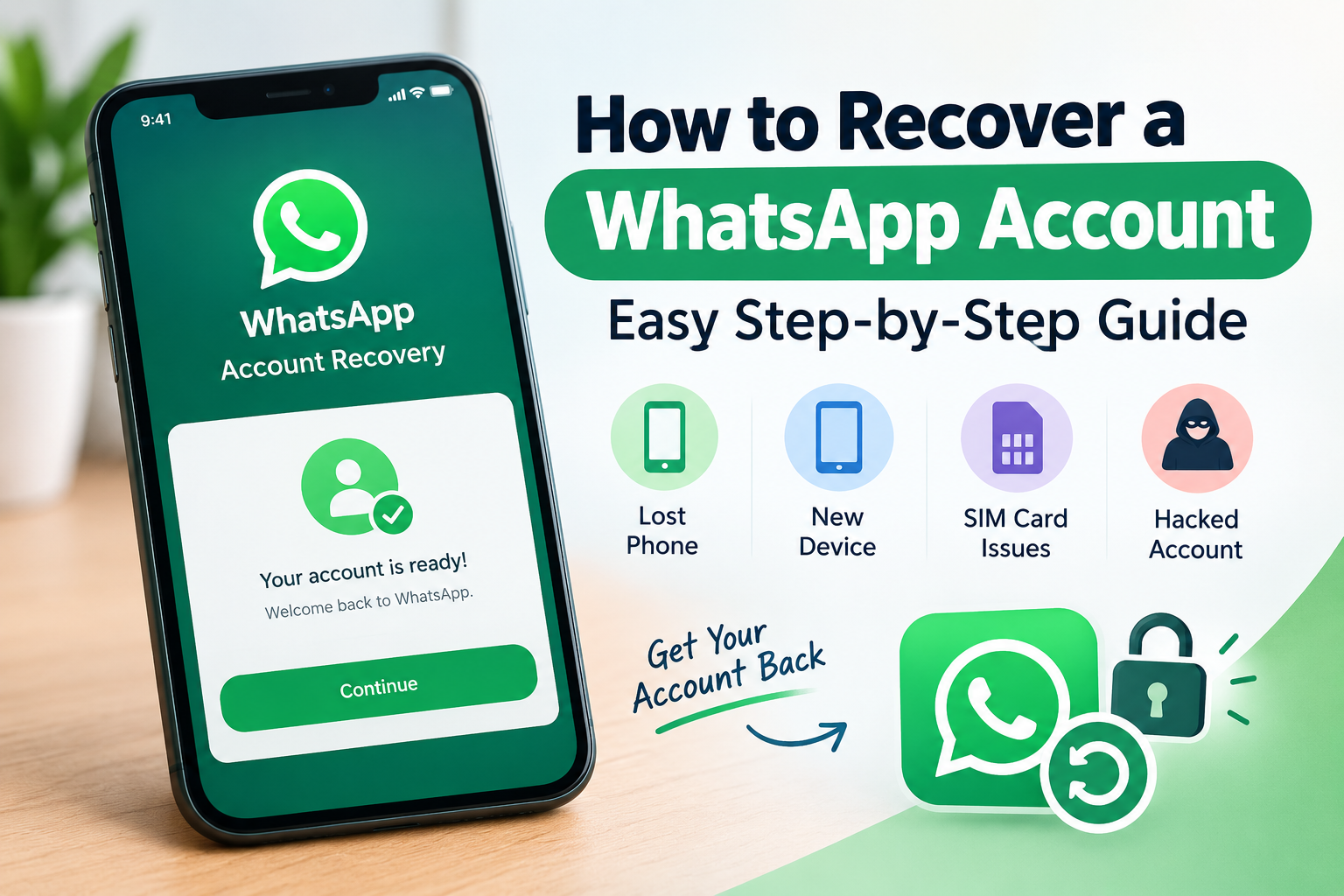
How to Recover a WhatsApp Account: A Complete Step-by-Step Guide
Losing access to your WhatsApp account can be a real headache, especially if it contains important chats, contacts, photos, or other personal information. Maybe you lost your phone, switched to a new device, lost access to your SIM, or someone managed to get into your account. Whatever the reason, you’re probably wondering how to recover a WhatsApp account. The good news is that you can often get your account back as long as you still have access to the phone number linked to it. In this guide, we’ll look at some simple WhatsApp account recovery methods and explain what you can do to secure your account afterward.
How to Recover a WhatsApp Account
The easiest way to recover your WhatsApp account is to register your phone number again. Here’s how you can do it.
1. Install WhatsApp on Your Phone
First, download and install the latest version of WhatsApp from your phone’s official app store.
Open the app and enter the same phone number that you previously used with your WhatsApp account. Make sure you enter the correct country code as well.
2. Verify Your Phone Number
WhatsApp will send a verification code to your phone number through SMS or, in some cases, a phone call.
Enter the 6-digit verification code when WhatsApp asks for it. Once the number is successfully verified, your account should become active on your new device.
If someone else was using your WhatsApp account, registering your number again can help remove their access.
Recover WhatsApp Account Without Your Old Phone
Lost or stolen your old phone? Don’t worry. You may still be able to recover your WhatsApp account if you can access the phone number connected to it.
Contact your mobile network provider and block the SIM card in your lost phone. Then request a replacement SIM with the same number.
Once you have the replacement SIM, install WhatsApp on your new phone and verify your number using the SMS or call verification process.
After recovering the account, it’s a good idea to turn on Two-Step Verification for additional protection.
What If Your WhatsApp Account Was Hacked?
If you believe someone has taken control of your WhatsApp account, act quickly.
Start by registering your phone number again through the official WhatsApp app. Most importantly, never share your WhatsApp verification code with anyone, even if someone claims to be a WhatsApp employee, friend, or support representative.
After regaining access, open Linked Devices and check whether any unfamiliar phones or computers are connected to your account. If you see a device you don’t recognize, log it out.
If someone has enabled two-step verification on your account, account recovery may take longer depending on the situation. Follow WhatsApp’s official recovery instructions rather than trusting third-party services that promise instant recovery.
How to Protect Your WhatsApp Account
Once you recover your account, take a few extra steps to prevent the same problem from happening again:
- Turn on Two-Step Verification.
- Never give your SMS verification code to anyone.
- Use a PIN that other people cannot easily guess.
- Check your Linked Devices regularly.
- Keep WhatsApp updated.
- Avoid suspicious links and unofficial WhatsApp apps.
- Use a secure screen lock on your phone.
Final Thoughts
Knowing how to recover a WhatsApp account can save you a lot of stress if you ever lose access to your account. In most cases, having access to your original phone number is the key to getting back in.
If your account has been compromised, don’t panic. Verify your number again, check your linked devices, and strengthen your security settings. Most importantly, never share your WhatsApp verification code with anyone.
A few simple security habits can go a long way toward keeping your WhatsApp account safe.
Share this content: