Gemini AI: Features, Benefits & How to Use It
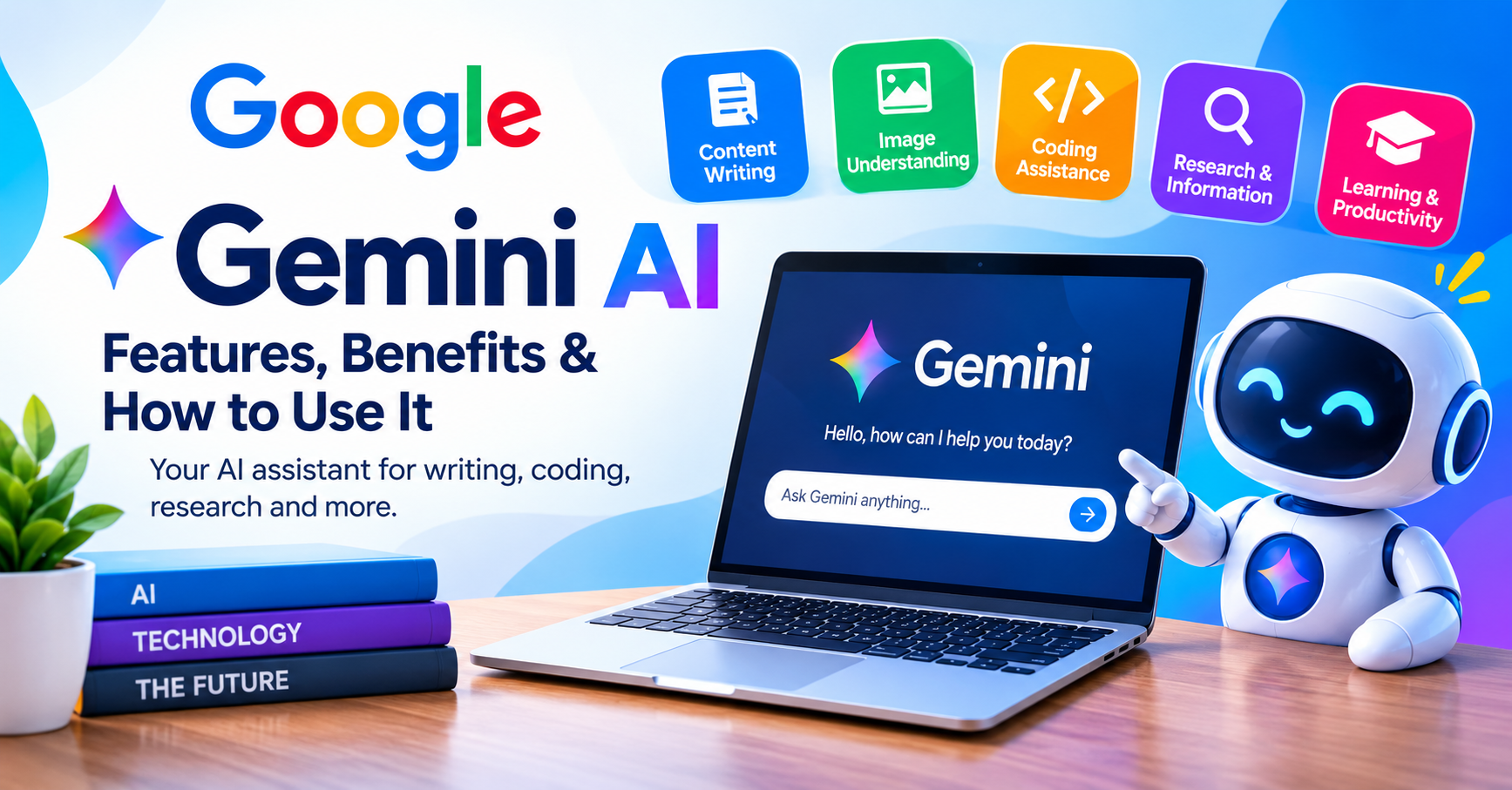
Gemini AI: Features, Benefits, and How to Use Google’s AI Tool
Artificial Intelligence is becoming an important part of our daily lives. From writing articles to solving technical problems, AI tools are helping people complete tasks more efficiently. One tool that has gained attention is Google Gemini AI. Developed by Google, Gemini is an AI assistant that can answer questions, generate content, explain complex topics, and help users with a wide range of tasks.
Whether you are a student, content creator, developer, or business owner, Gemini AI can be a useful addition to your daily workflow. Let’s explore its main features, benefits, and how you can get started.
What Is Google Gemini AI?
Google Gemini AI is an artificial intelligence assistant designed to understand instructions and provide relevant responses. It uses Google’s Gemini AI models to help with writing, reasoning, coding, learning, and other everyday activities.
Unlike a traditional search engine, which mainly directs users to webpages, Gemini can respond in a conversational format. You can ask questions, request explanations, or provide additional instructions to refine its answers.
Depending on the available features and your account, Gemini can also work with images, documents, and other supported content. This flexibility makes it useful for both simple questions and more complex tasks.
Key Features of Google Gemini AI
1. AI Writing and Content Creation
Writing content from scratch can take time, especially when you need fresh ideas or a clear structure. Gemini AI can help create blog outlines, draft articles, write emails, prepare product descriptions, and generate social media captions.
For bloggers, it can also suggest topics and help improve grammar or readability. However, editing the final draft is essential to ensure that the content reflects your own perspective and provides genuine value to readers.
2. Image Understanding and Visual Assistance
Gemini can analyze supported images and help users understand what they contain. For example, you can upload a picture and ask questions about visible objects, request a description, or seek help interpreting information in an image.
Some Gemini experiences also offer image generation and editing tools. The exact capabilities depend on the model, account, and features available to you.
3. Coding Help for Developers
Learning to code becomes easier when you have an assistant that can explain unfamiliar concepts. Gemini AI can generate code examples, explain programming errors, and suggest possible solutions to technical problems.
It can assist with languages such as Python, JavaScript, and HTML. Beginners may find it especially helpful when learning how different parts of a program work.
Still, AI-generated code is not always correct or secure. Test it carefully before using it on a live website or application.
4. Research and Everyday Questions
Gemini can help explain complicated subjects in simple language, summarize supported documents, and organize information around a topic. It can also help users brainstorm ideas or prepare an initial research outline.
However, an AI-generated answer should not automatically be treated as a verified fact. Check reliable sources when accuracy matters, particularly when researching technical details or making important decisions.
5. Learning and Productivity
Students can use Gemini to review lessons, understand difficult concepts, and practice writing. Professionals may use it to draft emails, organize projects, summarize information, and prepare presentations.
Instead of replacing human thinking, Gemini works best as a tool that supports learning and helps people approach tasks more efficiently.
Benefits of Using Gemini AI
There are several reasons why people explore Google Gemini AI:
- Saves time: Helps speed up drafting, summarizing, and brainstorming.
- Encourages creativity: Offers ideas for articles, videos, and projects.
- Supports learning: Explains difficult concepts in an accessible way.
- Helps with coding: Provides examples and troubleshooting suggestions.
- Improves productivity: Assists with everyday writing and planning tasks.
The results you receive will depend on how clearly you describe your needs and which features are available.
How to Use Google Gemini AI
Getting started is straightforward, even if you have never used an AI assistant before.
- Visit the official website at https://gemini.google.com/.
- Sign in with your Google Account if required.
- Type your question or instructions into the prompt box.
- Read the response and ask follow-up questions to improve the result.
- Check important information and edit the output before using it.
For example, rather than typing “Write about AI,” give a more specific instruction such as “Explain the benefits of AI tools for beginners in simple English.” Clear prompts generally help you get more relevant answers.
Is Google Gemini AI Free?
Google provides free access to Gemini in supported regions, although usage limits and available features may vary. Paid Google AI plans can offer additional capabilities or higher usage limits, depending on the plan.
Since pricing and features may change, visit the official Gemini website to check the latest options for your account and region.
Final Thoughts
Google Gemini AI offers a practical way to explore artificial intelligence for writing, coding, research, learning, and everyday productivity. Its conversational interface makes it accessible to beginners, while its broader capabilities can also support professionals and developers.
Like any AI tool, Gemini has limitations. Review its answers, verify important facts, and avoid sharing sensitive personal information unnecessarily.
If you want to discover more AI tools, helpful technology tips, and practical tutorials, visit TechVexaBlog.com and explore our latest articles on artificial intelligence and technology.
Share this content:












5 comments