Best Free AI Image Generator in 2026: Top 5 Tools
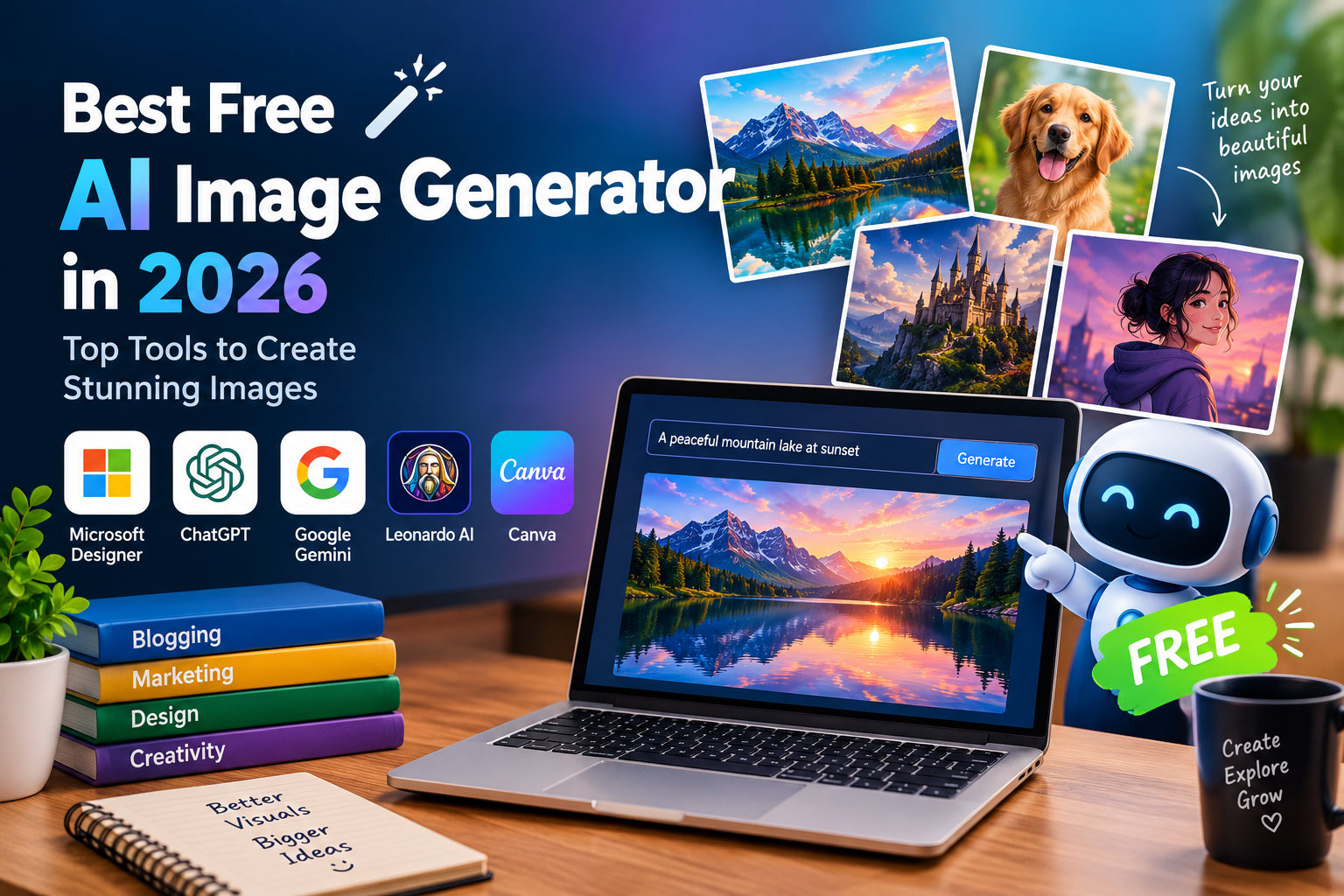
Best Free AI Image Generator in 2026: Top Tools to Create Stunning Images
Creating beautiful images is easier than ever, thanks to artificial intelligence. You no longer need expensive design software or professional editing skills to turn your ideas into visuals. With the best free AI image generator, you can create realistic pictures, digital artwork, illustrations, and creative graphics using simple text prompts.
These tools are useful for bloggers, designers, students, digital marketers, and social media creators. Whether you need a featured image for a blog post or an eye-catching visual for your next project, a free AI image generator can help you save time and explore new creative possibilities.
In this guide, we’ll look at five popular AI image generators, what makes each one useful, and how to choose the right tool for your needs.
What Is an AI Image Generator?
An AI image generator is a tool that uses artificial intelligence to create images based on text descriptions or other supported inputs. Instead of designing everything yourself, you simply describe what you want, and the tool generates an image based on your instructions.
For example, you could enter a prompt such as “a futuristic city at sunset with flying cars and glowing skyscrapers.” The AI interprets your description and creates a visual representation of the scene.
Depending on the tool, you can generate realistic photos, anime characters, 3D artwork, digital illustrations, and many other styles.
Best Free AI Image Generators in 2026
1. Microsoft Designer Image Creator
Microsoft Designer Image Creator is worth exploring if you want to create AI-generated images without dealing with complicated design settings. It allows users to turn written descriptions into visuals for different creative projects.
Key features:
- Text-to-image generation
- Different artistic styles
- Beginner-friendly interface
- Integration with Microsoft’s creative ecosystem
This tool can be useful for bloggers who need featured images, content creators working on social media graphics, and anyone who wants to experiment with AI-generated artwork. Keep in mind that available features and free usage limits may change.
2. ChatGPT Image Generation
ChatGPT is another convenient option for creating images from everyday language. You can describe your idea in detail and refine the results by asking for changes to the composition, background, colors, or overall style.
Key features:
- Image creation from text prompts
- Conversational editing instructions
- Support for creative brainstorming
- A simple chat-based workflow
One advantage is that you don’t always need to write a perfect prompt on your first attempt. You can explain what you want, review the result, and request adjustments. Free image-generation access may be subject to usage limits.
3. Google Gemini
Google Gemini offers AI-powered image-generation capabilities for users with access to its supported features. You can describe a scene, explore different visual ideas, and use available editing capabilities to refine your results.
Key features:
- Prompt-based image creation
- Image editing where supported
- Integration with Google’s AI ecosystem
- An accessible interface for beginners
Gemini may be a practical choice for creating educational illustrations, blog visuals, and concept images. Before getting started, check which image-generation features are available for your account and region.
4. Leonardo AI
Leonardo AI is particularly interesting for users who want more creative control over the appearance of their images. It offers tools designed for generating artwork, character concepts, game assets, and realistic-looking visuals.
Key features:
- Multiple image-generation models
- Artistic and realistic image styles
- Image enhancement capabilities
- Customization options for creative projects
Digital artists and game developers may find Leonardo AI useful when experimenting with different visual styles. Its free offering can provide an opportunity to test the platform, although generation allowances and available features may vary.
5. Canva AI Image Generator
Canva is a popular choice for people who want to create images and turn them into finished designs. Its AI-powered features can help users develop visuals for blog graphics, presentations, posters, and social media content.
Key features:
- AI-assisted image creation
- Ready-made design templates
- Tools for social media graphics
- Image and text layout options
Canva is especially helpful for bloggers and marketers who want to combine generated images with headlines, branding, and other design elements. Some AI features may have limited access or require a paid subscription.
How to Choose the Best Free AI Image Generator
The right tool depends on what you plan to create. If you prefer a simple experience, start with a beginner-friendly generator. If you need detailed artwork or character designs, explore tools with more customization options. For blog thumbnails and promotional graphics, a platform with built-in design tools may be the better choice.
Before making your decision, compare image quality, generation limits, editing features, and ease of use. Also, check the platform’s licensing terms if you intend to use generated images on a monetized website or in commercial projects.
Remember that a free plan doesn’t always include unlimited generations or unrestricted commercial usage.
Conclusion
Finding the best free AI image generator doesn’t have to be difficult. Microsoft Designer Image Creator, ChatGPT, Google Gemini, Leonardo AI, and Canva each offer useful ways to turn ideas into visuals.
For bloggers and content creators, these tools can make producing original images faster and more convenient. Try a few options, experiment with different prompts, and see which one best matches your workflow.
With the right AI image generator, you can create engaging visuals for your website, social media accounts, and creative projects without immediately investing in expensive design software.
Share this content: