Best AI Tools for Presentations in 2026: Top AI Presentation Tools
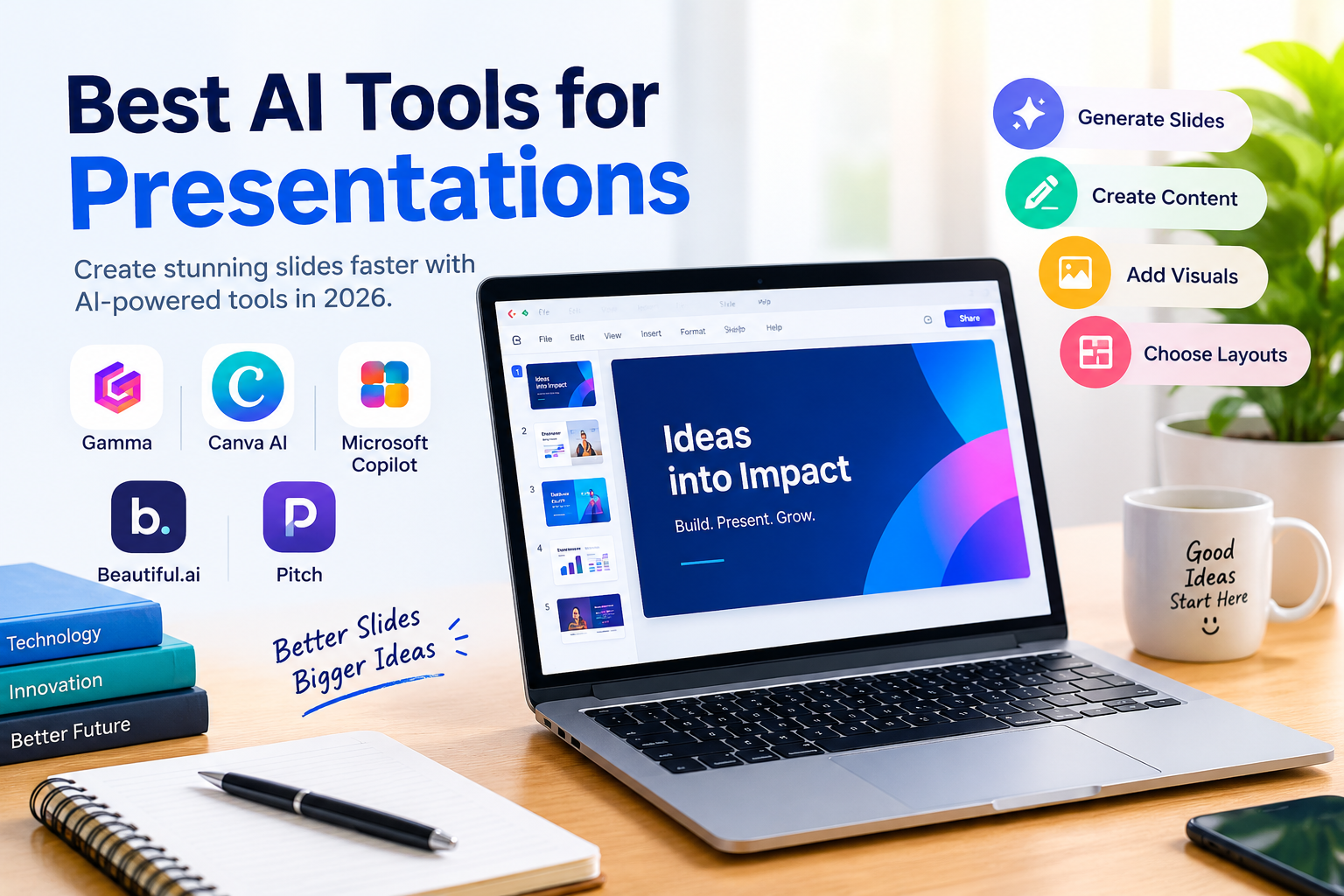
Best AI Tools for Presentations in 2026
Creating a professional presentation can be time-consuming, especially when you need to plan content, design slides, and find the right visuals. Fortunately, AI presentation tools are changing the way people create presentations. With the right AI presentation maker, you can turn a simple idea or prompt into well-designed slides within minutes. In this article, we’ll explore the best AI tools for presentations in 2026 and see how they can help students, professionals, teachers, and businesses create engaging presentations more easily.
In this guide, we’ll look at some of the best AI tools for presentations and what makes each one useful.
What Are AI Presentation Tools?
AI presentation tools use artificial intelligence to help create, edit, and improve presentation slides. Depending on the platform, you can enter a topic, write a short prompt, or upload existing content, and the AI can help organize it into slides.
Some tools can also suggest layouts, generate images, improve written content, and adjust the overall design. This can be particularly helpful if you want a professional presentation but don’t have much design experience.
Best AI Tools for Presentations
1. Gamma
Gamma is a popular AI presentation maker designed to turn ideas into structured presentations. You can start with a simple prompt, and Gamma can generate slide content and layouts based on your topic.
It can be useful for business presentations, school projects, reports, and presentations where you need to organize information quickly.
2. Canva AI
Canva is already popular for graphic design, and its AI features make creating presentations even more convenient. You can use AI to generate content, explore design ideas, and customize your slides using Canva’s large collection of templates and visual elements.
It is a practical choice if you want AI assistance while still having plenty of control over the final design.
3. Microsoft Copilot
Microsoft Copilot can assist with creating presentations in PowerPoint. It can help turn ideas or existing information into slide content and make it easier to organize a presentation.
For people who already work with Microsoft PowerPoint, using Copilot can fit naturally into their existing workflow.
4. Beautiful.ai
Beautiful.ai focuses on making presentation design simpler. Its smart templates automatically adjust elements on a slide as you add or change content.
This can save time when you want a clean and consistent presentation without manually moving every text box or image.
5. Pitch
Pitch combines presentation templates with AI-powered features for creating and editing slides. It is designed with modern presentations and team collaboration in mind.
It can be useful for businesses, startups, marketers, and teams that frequently create presentations together.
Benefits of Using AI Presentation Tools
One of the biggest advantages of an AI presentation maker is the time it can save. Instead of starting every slide from scratch, you can use AI to generate an initial structure and then edit it according to your needs.
These tools can also help with writing, formatting, visual organization, and slide design. Beginners can benefit from them because creating attractive slides does not always require advanced design skills.
However, AI-generated content should still be reviewed. Checking facts, editing the wording, and making sure the information matches your purpose will help create a better final presentation.
How to Choose the Right AI Presentation Tool
The right tool depends on what you need. Students may look for an easy and affordable option, while businesses might need collaboration, branding, and advanced customization features.
Before choosing a tool, check its AI features, templates, customization options, pricing, export formats, collaboration features, and ease of use.
Conclusion
The best AI tools for presentations can make the process of creating slides faster and more convenient. Gamma, Canva AI, Microsoft Copilot, Beautiful.ai, and Pitch each offer different features and workflows.
Whether you are creating a school project, business presentation, or professional report, an AI presentation maker can give you a useful starting point and help turn your ideas into polished slides.
Share this content:














1 comment