What to Check Before Buying a Laptop: Complete Guide
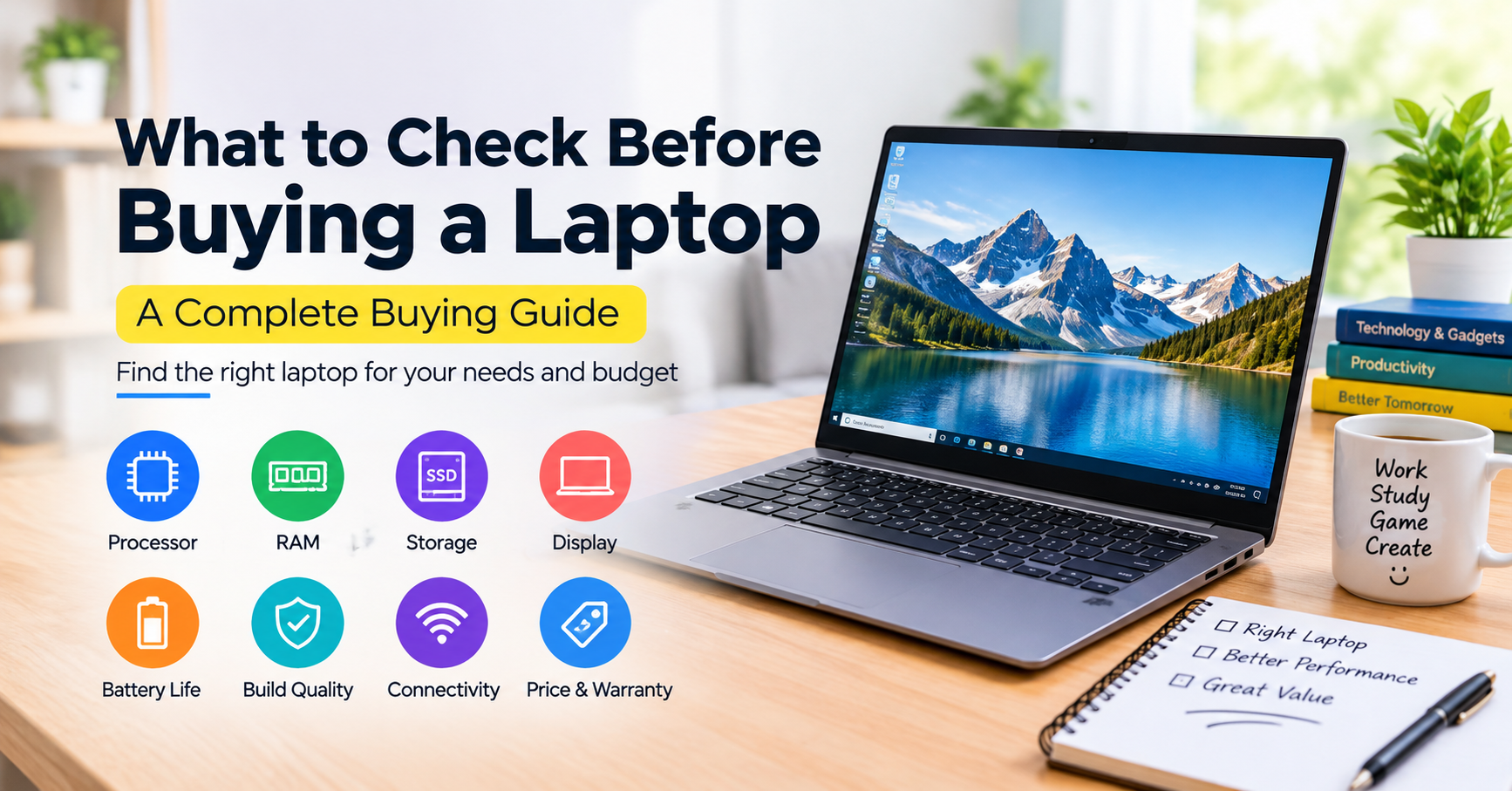
What to Check Before Buying a Laptop: A Complete Buying Guide
Choosing a new laptop can be tricky, especially with so many brands, models, and features available. Knowing what to check before buying a laptop can make the decision much easier and help you avoid spending money on features you don’t really need. Whether you’re a student, an office worker, a gamer, or a content creator, it’s worth taking a closer look at the processor, RAM, storage, display, and battery life before making your choice. In this guide, we’ll walk you through the key things to consider so you can find a laptop that suits your needs and budget.
1.What to Check Before Buying a Laptop Processor
The processor, or CPU, is one of the most important parts of a laptop. It affects how smoothly your device runs applications, handles multitasking, and performs everyday tasks.
Popular options include Intel Core, Intel Core Ultra, AMD Ryzen, and Apple’s M-series processors.
If you mainly browse the internet, attend online classes, or work with documents, you probably do not need an expensive high-performance processor. For office work and multitasking, a modern mid-range CPU is usually a good choice. If you plan to play demanding games, edit videos, or run professional software, look for a more powerful processor.
Remember to compare the processor’s generation and actual performance rather than choosing a laptop based on the brand name alone.
2.How Much RAM Should You Check Before Buying a Laptop?
RAM helps your laptop run multiple applications at the same time. If your laptop has too little memory, it may slow down when you open several browser tabs or switch between different programs.
Here is a simple guide to choosing the right amount of RAM:
- 8GB RAM: Suitable for basic browsing, online classes, and light office tasks.
- 16GB RAM: A great starting point for students, professionals, and everyday multitasking.
- 32GB RAM or more: Better for demanding tasks such as advanced video editing, 3D design, and intensive development work.
For most users, 16GB RAM offers a good balance between performance and everyday usability. Before purchasing, check whether the memory can be upgraded later or is permanently attached to the motherboard.
3.Storage Options to Consider When Buying a Laptop
Storage affects how much space you have for your files, photos, videos, and applications. It can also influence how quickly your laptop starts and loads programs.
An SSD (Solid-State Drive) is generally a better choice than a traditional HDD because it provides faster data access and makes everyday computing feel more responsive.
A 256GB SSD may be enough if you only store documents and use a few applications. However, a 512GB SSD is a practical option for most students and everyday users. If you regularly download large files, install games, or edit videos, consider a 1TB SSD.
It is also worth checking whether the laptop allows you to upgrade its storage in the future.
4. Pay Attention to the Display
You will spend a lot of time looking at your laptop screen, so display quality should not be overlooked.
A 14-inch laptop is convenient if you travel frequently or carry your device to school or work. A 15.6-inch or 16-inch display offers more room for multitasking, watching videos, and working with multiple windows.
For everyday use, Full HD resolution (1920 × 1080) is a sensible starting point. IPS displays generally provide good viewing angles, while OLED screens can deliver deeper blacks and more vibrant colors.
If you work with photos, graphics, or videos, pay attention to color accuracy and brightness as well.
5. Check the Battery Life
A laptop with good battery life gives you more freedom to work without constantly searching for a power outlet. This is particularly useful for students, remote workers, and people who travel regularly.
However, do not rely entirely on the battery life advertised by the manufacturer. Actual performance depends on screen brightness, workload, software, and other factors.
Before buying, read independent reviews and look for real-world battery test results. Also, check the charging speed and whether the laptop supports convenient USB-C charging.
6. Examine Build Quality and Keyboard Comfort
A laptop should feel comfortable to use and sturdy enough for everyday handling. If possible, visit a store and try the device before making your decision.
Pay attention to the keyboard, trackpad, hinge, and overall build quality. A comfortable keyboard makes typing easier, especially if you write articles, complete assignments, or work for several hours a day.
A backlit keyboard can be helpful when working in low-light conditions. Weight is another important factor if you plan to carry your laptop around frequently.
7. Check Ports and Connectivity Options
Before buying a laptop, make sure it has the ports you actually need. Depending on your work, useful connections may include USB-A, USB-C, HDMI, a headphone jack, or an SD card reader.
USB-C charging and Thunderbolt support can also be valuable if you use external monitors, docking stations, or fast storage devices. However, these features are not necessary for everyone.
For wireless connectivity, check the supported Wi-Fi and Bluetooth standards to ensure the laptop meets your needs.
8. Compare the Price, Warranty, and Reviews
A higher price does not always mean a better laptop for your particular needs. Set a budget first, then compare models with similar specifications.
Before purchasing, read customer reviews and professional laptop reviews. They can help you identify potential problems, such as overheating, poor battery performance, noisy fans, or uncomfortable keyboards.
Also, buy from a trusted seller and check the warranty, return policy, and availability of after-sales service. If the laptop comes with an operating system, make sure the software license is genuine.
These small checks can save you from unexpected expenses later.
Conclusion
Choosing the right laptop becomes much easier when you know which features matter most. Before buying, compare the processor, RAM, SSD storage, display, battery life, build quality, ports, and warranty.
For most students and everyday users, a laptop with a modern processor, 16GB RAM, a 512GB SSD, and a Full HD display is a sensible place to start. If you need a device for gaming or professional creative work, you may need more powerful hardware.
Ultimately, the best laptop is not necessarily the most expensive one. It is the one that fits your needs, budget, and daily routine. Take your time, compare your options, and make an informed decision before spending your money.
Share this content:









1 comment