Best WiFi Router for Home: How to Choose the Right One
Best WiFi Router for Home: How to Choose the Right Router
A stable WiFi connection has become a basic need in almost every home. From working remotely and attending online meetings to streaming movies, gaming, and using smart home devices, we depend on WiFi for many everyday activities. That is why choosing the best WiFi router for home is important if you want a fast and reliable internet experience.
There are many routers available today, and they come with different speeds, features, and price tags. The right choice will depend on your internet package, home size, number of connected devices, and daily usage.
What Makes the Best WiFi Router for Home?
There is no single router that is perfect for everyone. A small apartment with a few devices does not need the same router as a large family home with dozens of connected devices.
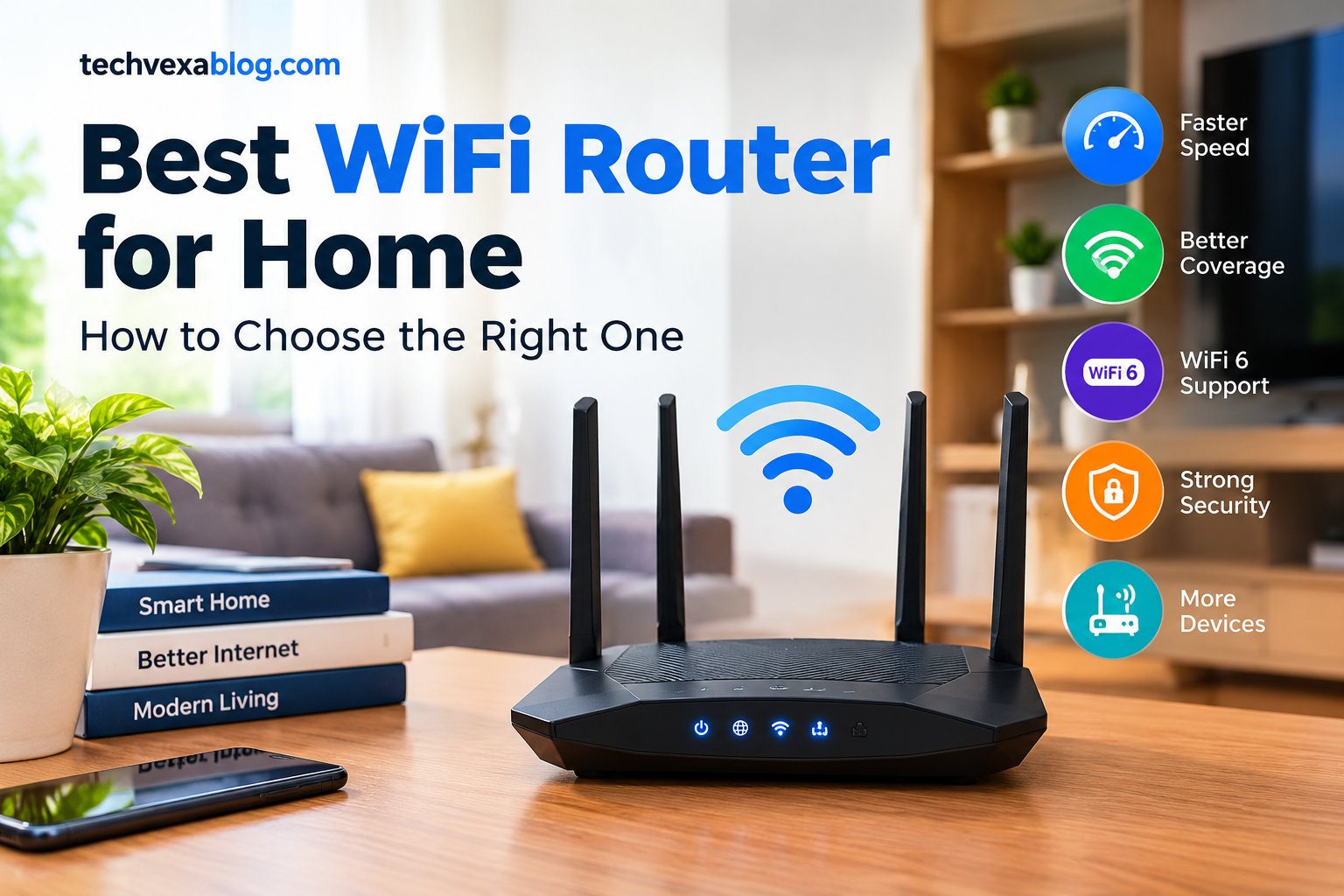
When choosing a home WiFi router, consider features such as dual-band connectivity, WiFi 6 support, good coverage, reliable performance, multiple Ethernet ports, and strong security. These features can make your home network faster and more convenient.
Dual-Band vs Single-Band WiFi Router
Most modern homes are better served by a dual-band WiFi router. A single-band router usually works only on the 2.4GHz frequency. It provides good range, but the network can become crowded when many nearby devices are using the same frequency.
Dual-band routers use both 2.4GHz and 5GHz bands. The 2.4GHz band generally offers better range, while 5GHz can deliver faster speeds and lower interference over shorter distances. Having both options allows your devices to connect to the band that works best for them.
Why Choose a WiFi 6 Router?
If your home has lots of connected devices, a WiFi 6 router is worth considering. WiFi 6 is designed to handle multiple devices more efficiently, which can help maintain smoother performance when several people are using the network at the same time.
It can be especially useful for homes with smartphones, laptops, smart TVs, gaming consoles, security cameras, and other smart devices.
Consider Your Home Size
WiFi coverage is another important factor when buying a router. A standard router may provide enough coverage for a small apartment, but larger homes can have areas where the signal becomes weak or disappears completely.
If you regularly experience WiFi dead zones, a router with better coverage or a WiFi mesh system may be a better solution. Mesh systems use multiple units to provide more consistent coverage across larger areas.
Don’t Ignore Security Features
Speed is not the only thing that matters. A good router should also help keep your network secure. Look for features such as WPA3 security, guest network support, automatic firmware updates, and parental controls.
These options can make it easier to protect your network and manage the devices connected to it.
Final Thoughts
Choosing the best WiFi router for home comes down to your internet speed, home size, budget, and number of connected devices. For everyday browsing and streaming, a dependable dual-band router may be enough. If you have a faster internet connection or a busy household, a WiFi 6 router can be a better long-term choice.
Before buying, compare the router’s speed, coverage, WiFi standard, security features, and Ethernet ports. Taking a little time to choose the right router can make your home internet experience noticeably faster, smoother, and more reliable.
Share this content: