Claude AI: Features, Benefits & How to Use It
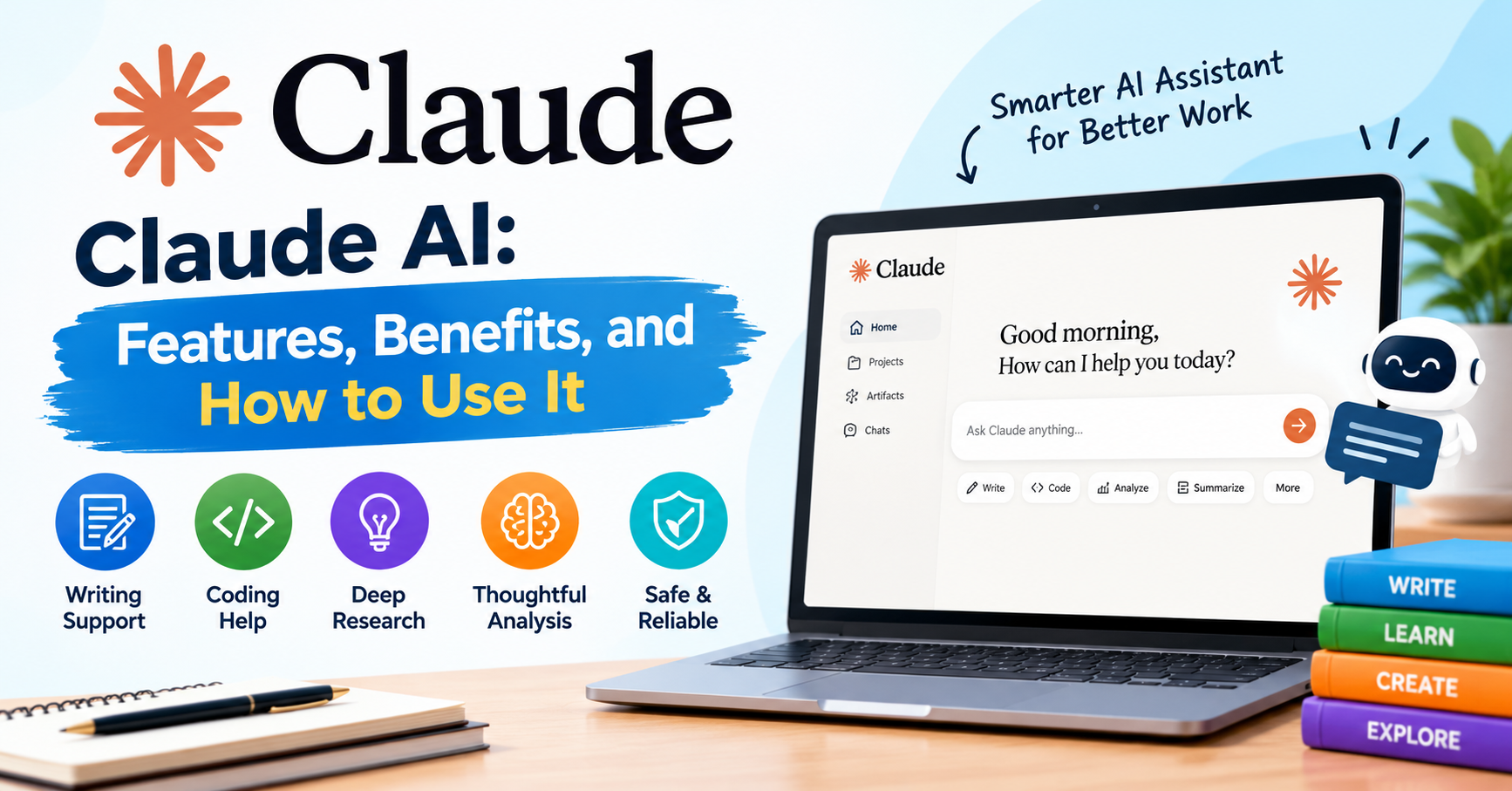
Claude AI: Features, Benefits, and How to Use Anthropic’s AI Assistant
Artificial intelligence is making everyday tasks easier, from writing and learning to coding and research. One AI tool that has attracted attention is Claude AI, developed by Anthropic. It helps users generate ideas, understand complex topics, work with documents, and complete various tasks more efficiently.
Whether you are a student, blogger, developer, researcher, or business owner, it can be a helpful addition to your daily workflow. In this guide, you will learn what Claude AI is, explore its main features, and discover how to use it effectively.
What Is Claude AI?
Claude AI is an AI assistant created by Anthropic, a company focused on artificial intelligence research and safety. It allows users to interact with AI through natural language, making it easier to ask questions, explore ideas, and solve problems.
You can use Claude AI to write articles, summarize documents, generate code, brainstorm content ideas, and explain complicated subjects in simpler terms. Its conversational approach makes it useful for both beginners and experienced professionals.
However, like other AI assistants, Claude can occasionally provide inaccurate information. Reviewing important details before relying on its answers is always a good idea.
Key Features of Claude AI
Claude AI includes several capabilities that can support everyday tasks, creative projects, and professional work.
1. AI Writing Assistant
Creating quality content takes time, especially when you need to come up with fresh ideas or organize information. It can help you draft blog posts, write emails, create product descriptions, and prepare social media captions.
It can also rewrite existing content, improve grammar, and adjust the tone of your writing. For bloggers, it can be particularly useful for brainstorming topics and preparing SEO-friendly content.
Still, editing the final draft is important to ensure that it reflects your own voice and provides genuine value to readers.
2. Coding and Programming Support
Claude can assist developers with writing code, understanding programming concepts, and finding potential errors. It can also explain unfamiliar code and suggest ways to improve its structure.
Beginners may find this especially helpful when learning a new programming language. Experienced developers can use it as a supporting tool during debugging and development.
Before using AI-generated code in a real project, test it carefully and check for security issues.
3. Document Analysis
Working with lengthy documents can be time-consuming. Claude can help analyze supported file formats, summarize reports, identify important information, and answer questions about uploaded documents.
Students can use it to review study materials, while researchers and professionals can use it to understand reports more quickly.
For the best results, ask specific questions and check the original document whenever accuracy matters.
4. Reasoning and Problem-Solving
Sometimes, a task feels difficult simply because it involves too many steps. It can help organize a problem, compare possible solutions, explain challenging concepts, and create a structured plan.
Its responses can be useful for planning projects, learning new skills, and exploring different approaches to a problem.
Benefits of Using Claude AI
One of the main advantages of Claude AI is that it can reduce the time spent on repetitive tasks. Instead of starting from scratch, users can generate an initial draft, review suggestions, and improve the final result.
Here are some other benefits worth considering:
- Saves time: Helps prepare drafts, summaries, and ideas more quickly.
- Supports learning: Explains difficult topics in an accessible way.
- Improves productivity: Helps organize information and plan tasks.
- Assists content creators: Provides ideas for articles, emails, and marketing content.
- Helps with coding: Offers explanations, code suggestions, and debugging support.
- Adapts to different needs: Can assist with education, business, research, and personal projects.
The actual benefits depend on how you use the tool and how carefully you review its output.
How to Use Claude AI
Getting started with Claude AI does not require advanced technical knowledge. Follow these simple steps:
- Visit the official website: https://claude.ai/.
- Create an account or sign in using an available option.
- Start a new conversation.
- Describe what you want Claude to do.
- Review the response and provide additional instructions if needed.
- Check important facts before using the results.
For example, you could ask Claude: “Write an SEO-friendly blog post about AI productivity tools. Include clear headings, practical examples, and simple explanations for beginners.”
The more clearly you explain your goal, audience, and preferred format, the more useful the response is likely to be.
Is Claude AI Free to Use?
Claude AI provides a free plan in supported regions, along with paid subscription options that may offer higher usage limits or additional features.
Availability, pricing, and plan benefits can change over time. Before choosing a subscription, visit the official Claude website and review the latest information.
If you only need help with occasional writing, learning, or brainstorming, starting with the free plan may be a reasonable option.
Claude AI vs. Other AI Tools
Claude AI is one of several AI assistants available today, alongside ChatGPT and Google Gemini. Each platform offers its own features, strengths, and integrations.
Claude may fit your workflow if you frequently work with written content, documents, or code. Other assistants may be more suitable for specific tools or services you already use.
Rather than choosing a tool based on popularity alone, try a few real tasks and compare the quality, convenience, and limitations of the results.
Final Thoughts
Claude AI offers a practical way to approach writing, coding, document analysis, research, and everyday problem-solving. Its conversational interface makes it accessible to people with different levels of technical experience.
Like any AI tool, it works best when combined with human judgment. Review the information it provides, protect sensitive data, and make sure the final content meets your needs.
If you are exploring ways to work more efficiently with artificial intelligence, Claude AI is worth trying as part of your productivity toolkit.
Share this content:













3 comments