Best AI Video Generators in 2026: Top 6 Tools
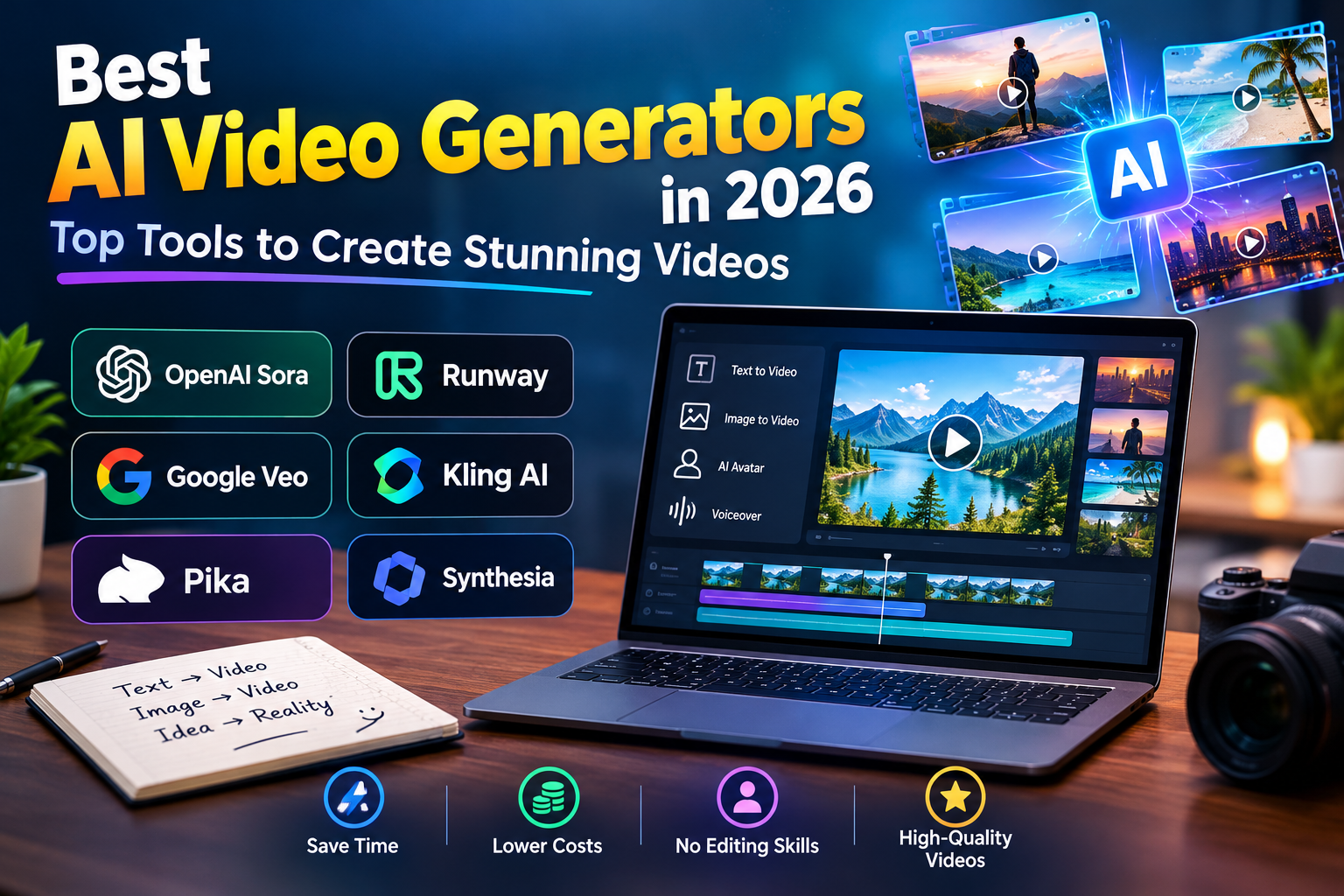
Best AI Video Generators in 2026: Top Tools to Create Stunning Videos
Creating videos no longer requires expensive equipment or advanced editing skills. With the help of artificial intelligence, anyone can turn a simple idea into an engaging video. The best AI video generators make this process easier by allowing users to create videos from text prompts, images, and written scripts.
Whether you run a YouTube channel, manage a blog, promote a business, or create social media content, AI video tools can save time and simplify your workflow. Many platforms also offer free trials or limited free credits, giving beginners an opportunity to explore AI video creation before paying for a subscription.
What Are AI Video Generators?
AI video generators are tools that use artificial intelligence to create or edit videos automatically. Depending on the platform, you can generate video clips from text descriptions, animate still images, create digital presenters, or transform existing footage.
For example, you could describe a futuristic city at night and let an AI tool generate a short video based on your prompt. This makes video creation more accessible to people who have little experience with traditional editing software.
Best AI Video Generators in 2026
Several AI video tools stand out for their creative features and different use cases. Here are six options worth considering.
1. OpenAI Sora
Sora is an AI video generation tool designed to turn creative ideas into video content. It can help users create visual scenes from text descriptions and supported inputs, making it useful for storytelling and creative projects.
Its capabilities and availability may vary depending on the current product offering and account access.
Best for: Creative storytelling, cinematic visuals, and AI-generated scenes.
2. Runway
Runway offers a range of AI-powered tools for video generation and editing. Creators can use its features to experiment with text-to-video, image-to-video, and other visual effects, depending on the available plan.
It can be particularly useful for people who want more control over their creative workflow.
Best for: Video editors, filmmakers, and creative professionals.
3. Google Veo
Google Veo is an AI video generation model built to create detailed video content from prompts and supported inputs. It is worth exploring if you want to produce visually rich scenes for storytelling, creative experiments, or promotional content.
Access and available features depend on Google’s current product offerings.
Best for: Realistic scenes, creative storytelling, and high-quality visuals.
4. Kling AI
Kling AI helps users create videos from text prompts and images. It is particularly interesting for creators who want to bring still pictures to life or experiment with scenes featuring movement.
The results can vary depending on the prompt, source image, and selected settings.
Best for: Image-to-video generation, social media clips, and visual storytelling.
5. Pika
Pika is designed to make AI video creation more approachable. It allows users to experiment with video generation and creative visual effects without relying entirely on traditional editing techniques.
It can be a practical option for short-form content and eye-catching video experiments.
Best for: Beginners, creative effects, and short social media videos.
6. Synthesia
Synthesia takes a different approach to AI video creation. Instead of focusing primarily on cinematic scenes, it specializes in videos featuring AI avatars that present information using written scripts.
This makes it useful for businesses, educators, and teams that need professional-looking presentations without filming a person on camera.
Best for: Training materials, educational videos, and business presentations.
How to Choose the Best AI Video Generator
The right tool depends on what you want to create. Before making a decision, consider a few important factors:
- Video quality: Look for clear visuals, realistic movement, and consistent scenes.
- Pricing: Check subscription costs, free credits, and usage limits before signing up.
- Ease of use: Beginners may prefer platforms with simple interfaces and straightforward workflows.
- Creative features: Consider whether you need text-to-video, image animation, AI avatars, or advanced editing options.
- Commercial rights: Review the licensing terms before using generated videos in advertisements or monetized content.
Comparing these features can help you find a tool that fits both your creative needs and your budget.
Benefits of Using AI Video Generators
One of the biggest advantages of AI video generators is the time they can save. Instead of recording every scene yourself, you can generate visual content from a written idea and refine the result through editing.
These tools can be useful for YouTube Shorts, Instagram Reels, TikTok videos, product demonstrations, online courses, and marketing campaigns. They also make it easier to test different creative concepts without investing heavily in production equipment.
However, AI-generated videos are not always perfect. You may notice unnatural movements, inconsistent objects, or visual details that do not match your prompt. Reviewing the final video before publishing helps ensure better results.
Conclusion
The best AI video generators in 2026 offer different ways to turn ideas into engaging video content. Sora, Runway, Google Veo, Kling AI, Pika, and Synthesia each serve different creative needs, from cinematic scenes to professional presentations.
Before choosing a platform, compare its features, pricing, access requirements, and usage limits. With the right AI video generator, you can simplify your content creation process and produce videos that better match your goals.
Share this content:






3 comments